Continuous Integration and Continuous Deployment (CI/CD) have become the backbone of modern software development, enabling teams to build, test, and release code faster and more reliably. While CI focuses on automating builds and tests (often handled by tools like Jenkins, GitHub Actions, or TeamCity), CD takes over to orchestrate deployments to various environments. This is where Jaws Deploy shines—as a dedicated CD platform that bridges the gap between your CI outputs and production reality.
Jaws Deploy acts as the deployment orchestrator in your CI/CD pipeline, handling complex topologies, configuration management, and automated releases with ease. It's designed to integrate seamlessly with existing CI tools, providing a centralized hub for deployment logic that's reusable, auditable, and scalable. Whether you're deploying to on-prem machines, Azure Web Apps, or hybrid setups, Jaws ensures consistency without forcing you to reinvent the wheel in scripts or pipelines.
In this guide, we'll explore Jaws Deploy's role in CI/CD workflows, how it integrates, typical setups, and the value it adds to your DevOps processes.
Understanding CI/CD and Where Jaws Fits
A standard CI/CD workflow looks like this:
- Code Commit: Developers push changes to a repo (e.g., GitHub).
- CI Phase: A CI tool builds the code, runs tests, and produces artifacts (e.g., packages like .zip or NuGet).
- CD Phase: Artifacts are deployed to environments like Staging or Production, with config transforms, scripting, and monitoring.
Traditional setups often overload CI tools with deployment duties, leading to brittle scripts and limited visibility. Jaws Deploy specializes in the CD part, taking artifacts from CI and managing their rollout. It models your infrastructure (environments, machines, tags) and automates progression via lifecycles, making it ideal for multi-stage pipelines.
Unlike all-in-one tools, Jaws focuses on simplicity: Use your favorite CI for builds, then hand off to Jaws for deployments. This separation keeps pipelines lean and leverages Jaws' strengths in variable scoping, step reusability, and live previews.
How Jaws Deploy Integrates with CI Tools
Jaws Deploy integrates via its REST API and PowerShell SDK, allowing automation from any CI platform. No native plugins needed— just API calls or scripts post-build.
Supported Integration Methods
- REST API: Call endpoints directly to create releases, trigger deployments, or query status. Authenticate with service accounts (API keys) for secure, headless access.
- PowerShell SDK: A lightweight wrapper (zero dependencies) over the REST API, available on GitHub. Import it in your CI scripts for commands like
Invoke-ReleaseAndDeployProject.
Compatible CI Tools
While Jaws works with any tool supporting HTTP calls or PowerShell, common integrations include:
- TeamCity: Native guide for pushing packages and triggering deploys.
- Jenkins, GitHub Actions, GitLab CI: Use webhooks or script steps to call the API/SDK.
- Azure DevOps: Connect NuGet feeds for automatic package detection.
Setup is straightforward: Create a service account in Jaws, store credentials securely (e.g., as CI secrets), and invoke from your pipeline.
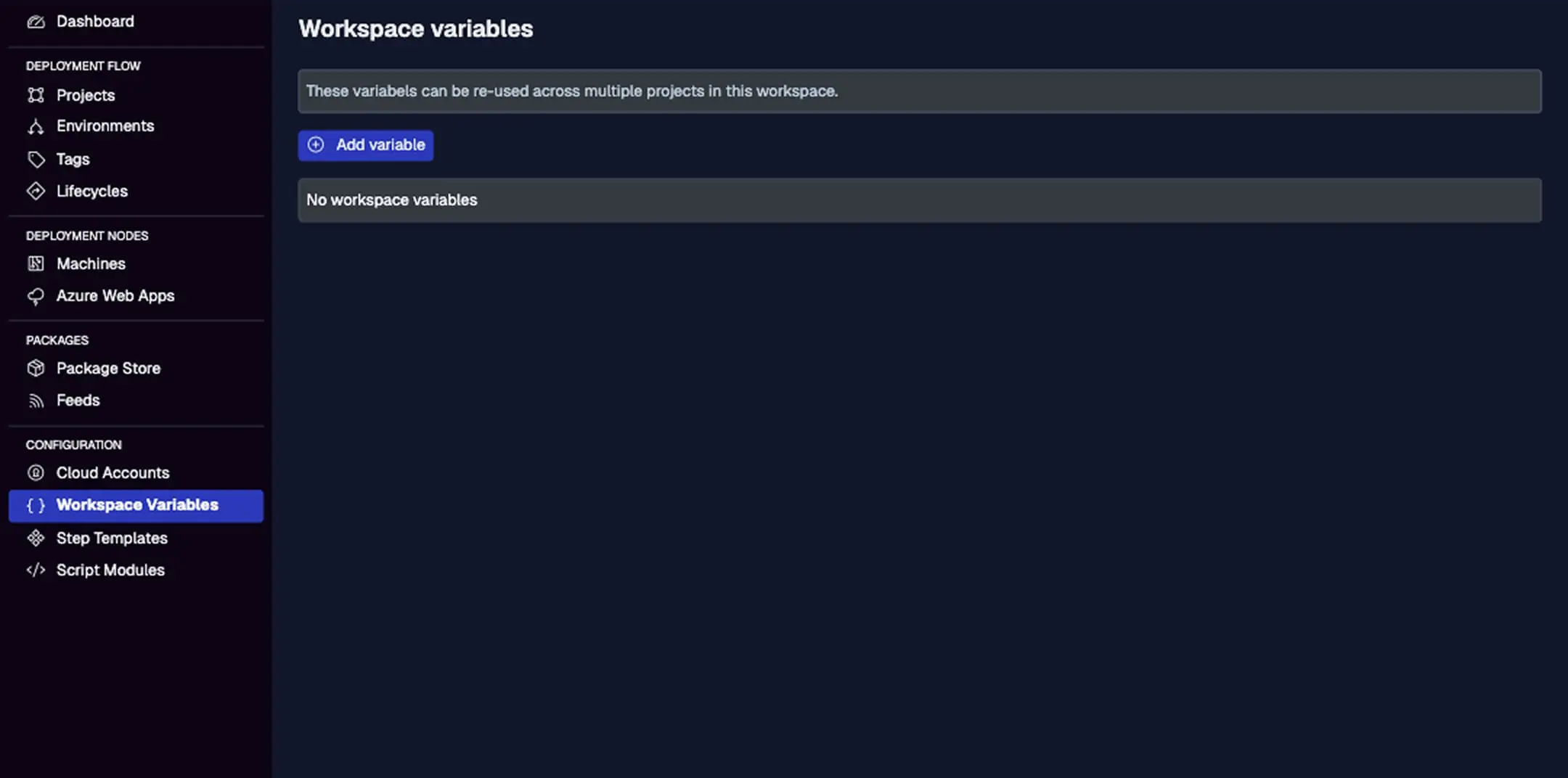
Store API keys as secrets here, scoped to your CI environment for added security.
A Typical CI/CD Workflow with Jaws Deploy
Here's how Jaws fits into a end-to-end workflow:
- Build in CI: Your CI tool compiles code and uploads artifacts to Jaws' package store (via API) or an external NuGet feed.
- Create Release in Jaws: Post-build, call the API/SDK to version a release (SemVer) and associate packages.
- Deploy Automatically: Use lifecycles to auto-deploy to initial environments (e.g., Staging). Promote manually or via approvals to Production.
- Monitor and Feedback: Jaws provides live logs and history; integrate back to CI for notifications.
Example with PowerShell SDK in a CI script:
# Set credentials
$env:JAWS_API_LOGIN = "your_service_account_id"
$env:JAWS_API_PASSWORD = "your_api_key"

# Import SDK
Import-Module -Name JawsDeploySdk.psm1

# Trigger release and deploy
$response = Invoke-ReleaseAndDeployProject -projectId "abc123" -version "1.2.3" -environmentName "Staging"
Write-Output $response
This deploys to Staging instantly after CI success.
For advanced setups, use variables for dynamic configs (e.g., #{VAR.connectionString}) and tags to target specific machine groups.
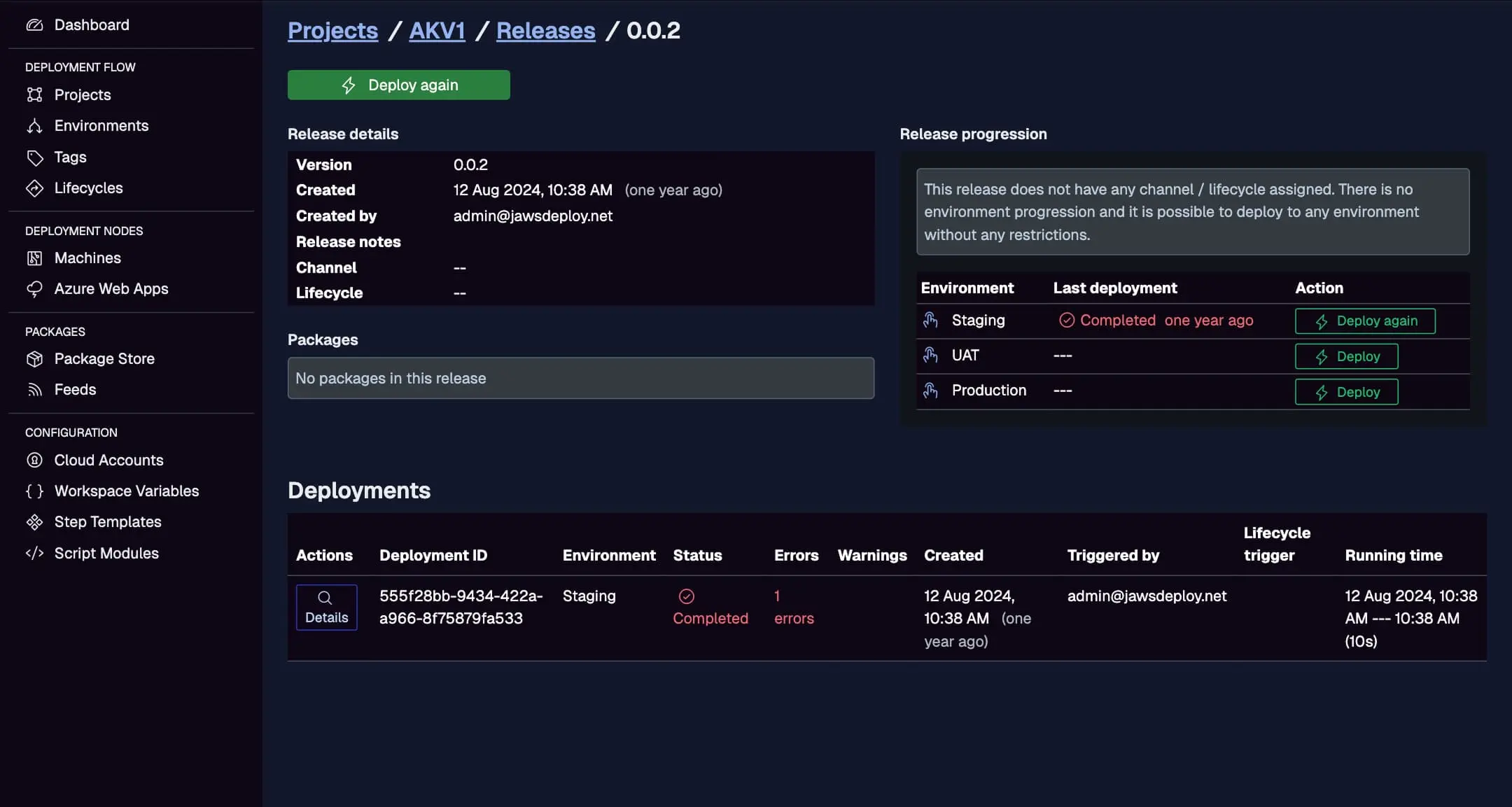
Track the workflow here, with statuses, triggers, and durations from CI-initiated deploys.
Benefits of Using Jaws in Your CI/CD Pipeline
Incorporating Jaws Deploy elevates your workflows:
- Reusability and Consistency: Step templates and script modules (PowerShell, with bash/Python support rolling out in 2025) reduce duplication across projects.
- Enhanced Visibility: Dashboards show trends, errors, and activity—far beyond CI logs.
- Security: Scoped secrets and RBAC prevent leaks; integrate with Azure Key Vault.
- Scalability: Handle complex topologies without pipeline bloat; parallel deploys speed things up.
- Cost Savings: Affordable plans mean no overpaying for unused features, unlike bulkier tools.
Teams report faster releases and fewer incidents by offloading CD to Jaws.
Real-World Examples
- Web App Deployment: After GitHub Actions builds a .NET app, Jaws deploys to Azure Web Apps using a "Deploy Package" step, transforming configs via variables.
- Microservices Rollout: TeamCity builds containers; Jaws orchestrates tagged deploys to Kubernetes nodes (via custom scripts), with lifecycle phases for canary testing.
- Legacy System Updates: Jenkins handles builds for on-prem Windows services; Jaws uses machine agents for installs, with history for compliance audits.
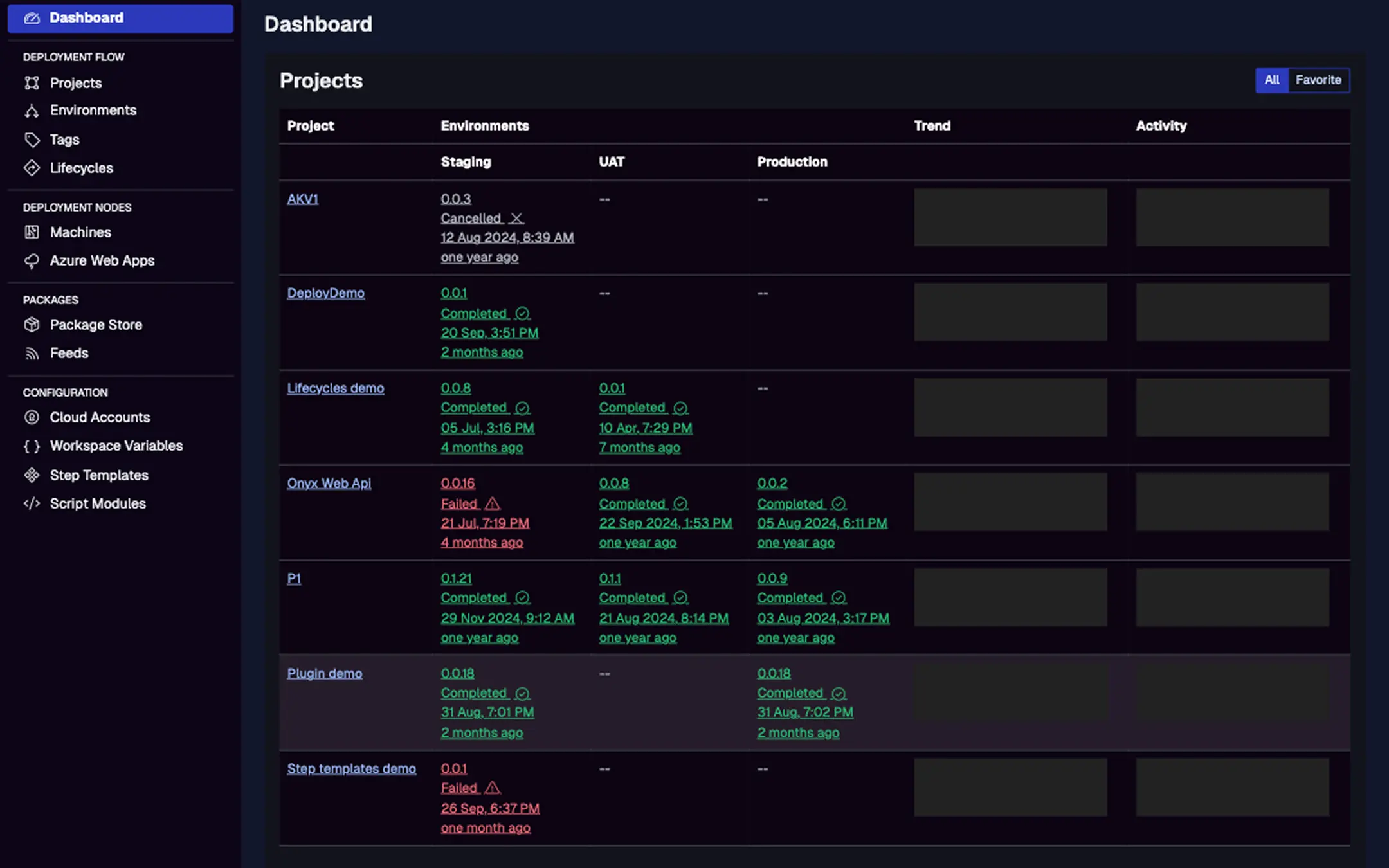
See how CI-triggered deploys appear in activity graphs for quick insights.
Looking Ahead: Jaws in Evolving CI/CD
With 2025 updates like expanded scripting (bash/Python) and a Step Template Library for AWS/Docker, Jaws is poised to handle even more diverse workflows. Future enhancements will deepen integrations, making Jaws an even stronger CD partner.
Conclusion
Jaws Deploy plays a pivotal role in CI/CD by owning the deployment orchestration, freeing your CI tools to do what they do best. Its API-driven approach, reusable components, and intuitive UI make it a natural fit for teams seeking reliable, low-maintenance CD.
To integrate Jaws into your pipeline, start with the CI/CD Integration Guide or try a free account at jawsdeploy.net. If you're migrating, check our comparison to Octopus Deploy for tips. Simplify your deployments—get started today!