Variables in Jaws Deploy are dynamic placeholders that let you customize deployment behavior without hardcoding values, making your workflows flexible, secure, and reusable. They can hold configuration data, secrets, or computed values, resolved at runtime based on context like environments or targets. This eliminates repetition and reduces errors, especially in multi-stage pipelines where settings vary (e.g., dev vs. prod connection strings).
Variables are a cornerstone for enterprises, enabling centralized management of configs during migrations from tools like Bamboo—map scattered env vars to Jaws' scoped system for better control. Types include text, secrets, numbers, booleans, dates, and maps, with expressions for advanced logic. As of September 23, 2025, variables now support enhanced scoping for container tags, aiding hybrid deployments.
This introduction covers types, scoping, expressions, usage, and tips to get started.
Understanding Variables
Variables store values that inject into steps, scripts, or configs during deployment. They resolve based on scopes, ensuring the right value applies (e.g., a secret only in Production).
- Key Features: Multi-valued (one var, many scopes), expressions (#{VAR.otherVar + "suffix"}), outputs (capture from steps), and history tracking for audits.
- Levels: Project-specific (per-project tab), workspace-shared (reusable across projects), or global (org-level, though limited).
- Resolution Order: When multiple scopes match, priorities apply: machine > cloud target > tag > environment > unscoped.
In migrations, import Bamboo vars as workspace variables for quick setup.
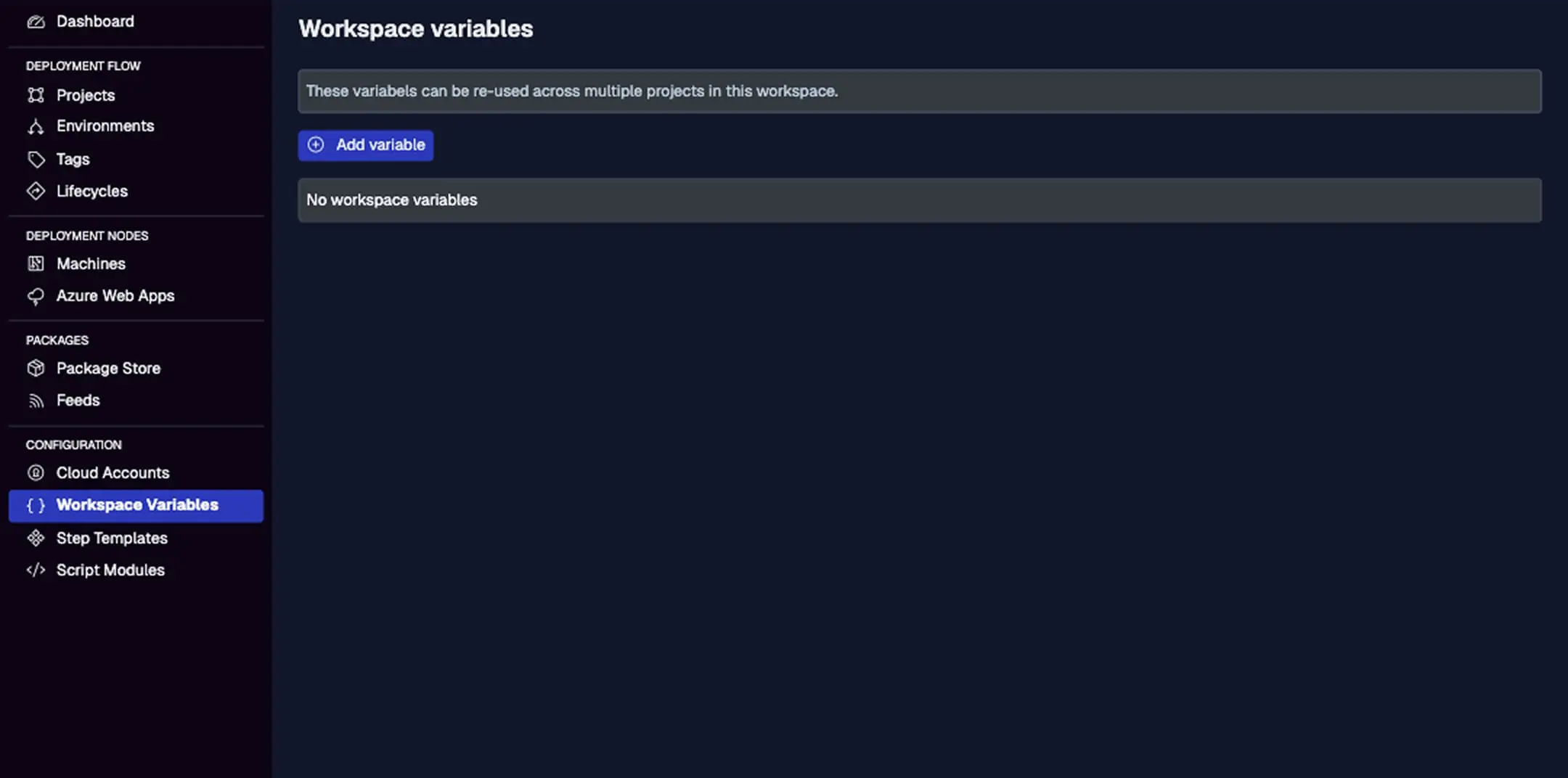
This shows the variables list with actions, names, types, values (masked for secrets), scopes (environment, tag, etc.), and add buttons. Hover for history.
Types of Variables
Jaws supports various types for different needs:
- Text: Simple strings, e.g., paths or URLs.
- Secret: Encrypted for sensitive data like API keys—masked in UI/logs.
- Number: Integers/floats for counts or ports.
- Boolean: True/False for toggles.
- Date: Timestamps for scheduling.
- Map: Key-value pairs for structured data (e.g., JSON-like configs).
Choose types when adding; secrets auto-encrypt. For enterprises, use secrets with Azure Key Vault integration for external storage.
Scoping Variables
Scoping controls where values apply, preventing leaks:
- Unscoped: Default value everywhere.
- Environment: E.g., different DB URLs in Staging vs. Production.
- Tag: For machine groups, e.g., "region-us" gets local endpoints.
- Machine/Cloud Target: Per-target overrides, e.g., unique certs.
Add scopes when creating variables; multiple per var for overrides. Resolution favors specifics (e.g., machine beats environment).
In action: A "ConnectionString" secret scoped to "Production" ensures it's only used there.
Using Expressions
Expressions make variables dynamic: #{VAR.baseUrl}/#{VAR.endpoint} resolves to a full URL. Nest them, use conditionals (e.g., #{if VAR.isProd then "prod-value" else "dev-value"}), or reference outputs (e.g., #{PreviousStep.Output}).
In scripts: Access as $Jaws.Parameters["VAR.name"].Value.
For migrations, expressions replace Bamboo's variable substitutions, with more power.
Adding and Managing Variables
- Add a Variable: Project > Variables tab > Add variable. Name it, select type, add values/scopes.
- Workspace Variables: Settings > Workspace Variables—for shared use; reference in projects as #{VAR.sharedName}.
- Edit/History: Click edit; view changes via hover (who/when).
- Outputs: In steps, set with Set-JawsOutputValue; scope to machine/env for reuse.
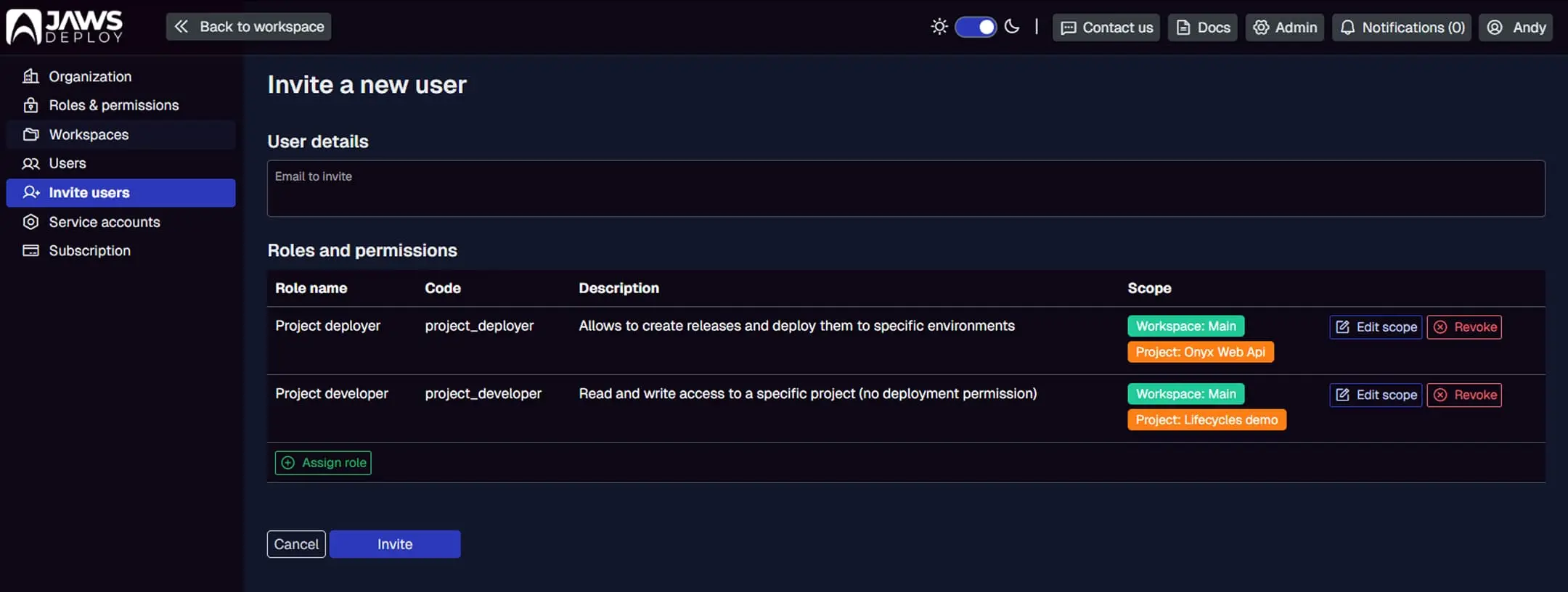
Not directly variables, but shows user management; for vars, imagine a similar list with scoping columns.
Best Practices
- Scope Narrowly: Use environments/tags to avoid conflicts; secrets always scoped.
- Expressions for Logic: Compute values on-the-fly; test with debug mode.
- Security: Secrets for creds; integrate with vaults.
- Migration from Bamboo: Import as workspace vars; automate with API.
- Debugging: Set __debug = true to log resolutions; monitor in deploys.
- Enterprise Scale: Share workspace vars for teams; audit history for compliance.
Conclusion
Variables introduce flexibility and security to your deployments, making Jaws Deploy adaptable for any scale—perfect for enterprise migrations from tools like Bamboo.
Dive deeper with Variables or Project Steps Explained. Add your first variable—open a project now! New to Jaws? Start with Getting Started.