Custom script modules in Jaws Deploy are reusable PowerShell files (.psm1) that contain functions, cmdlets, or utilities you can import into project steps for shared logic. They enable code reuse beyond individual steps, allowing you to build libraries of common operations—like logging, config parsing, or API wrappers—that can be referenced anywhere in your workflows. This is a step up from inline scripts, promoting modularity and maintainability without external dependencies.
For enterprise teams, custom modules are invaluable during migrations from tools like Bamboo, where you can extract scattered scripts into centralized modules for easier management and versioning. As of September 23, 2025, modules remain PowerShell-focused, but upcoming bash and Python support will expand options for diverse environments.
This article covers creating, uploading, using, and optimizing custom script modules, with examples to get you started.
What Are Custom Script Modules?
Script modules are .psm1 files uploaded to Jaws, containing exportable PowerShell code. Once enabled in a project, they're downloaded to targets during deployment and imported in steps.
- Key Benefits: Share code across steps/projects; avoid duplication; version modules independently.
- How They Work: Modules are workspace-level but enabled per-project. On deploy, agents cache them; steps use
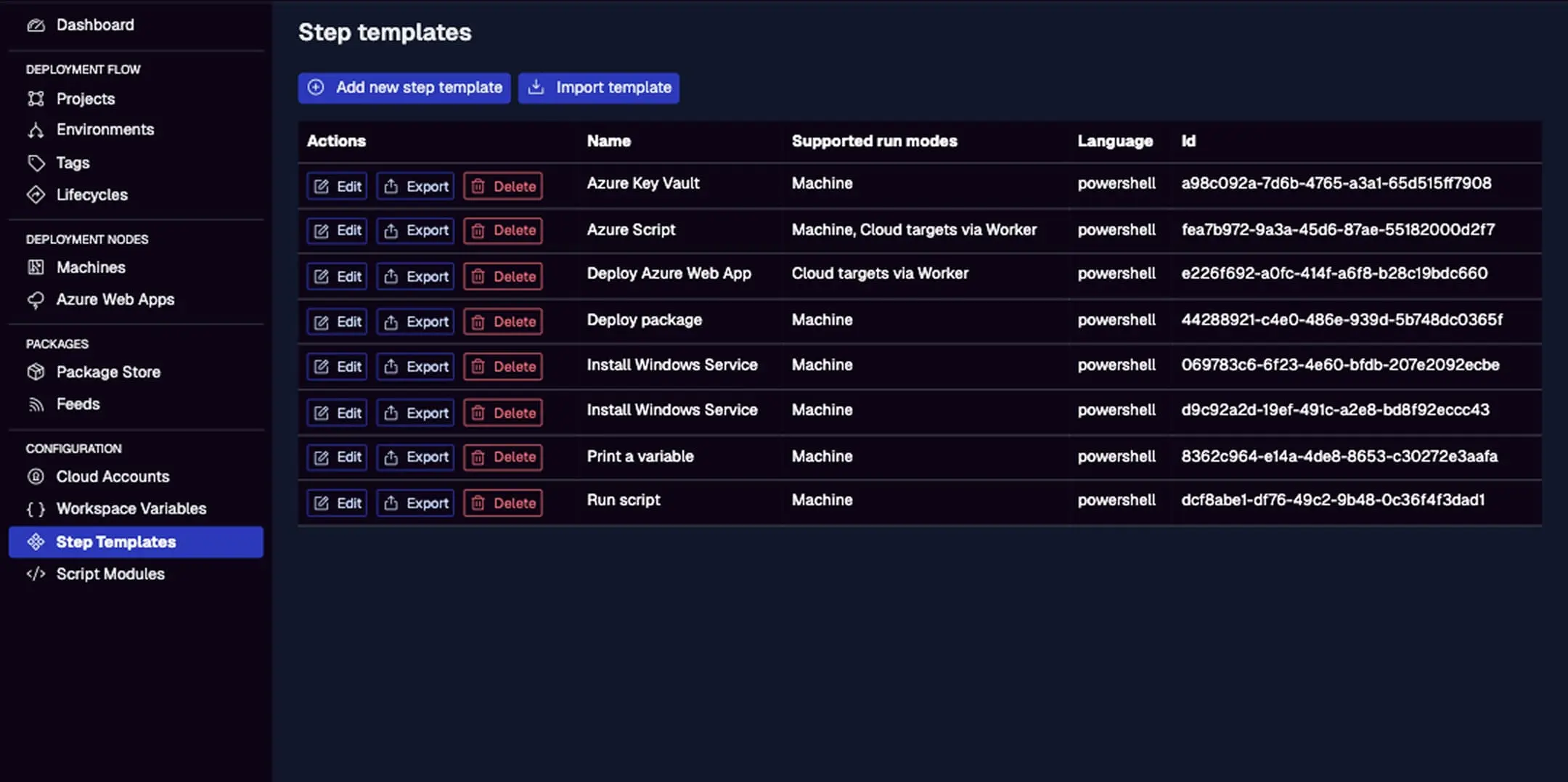
Import-Module MyModuleto access functions. - Vs. Step Templates: Templates define full steps with UI; modules are code libraries for use within steps—combine them for powerful reusability.
In migrations, convert Bamboo shared scripts to modules; test in Jaws for seamless integration.
Creating a Custom Script Module
Build modules in PowerShell ISE or VS Code, then upload.
- Write the Code: Create a .psm1 file with functions. Example
Utils.psm1for logging:
function Write-Log {
    param (
        [string]$Message,
        [string]$Level = "Info"
    )
    Write-Host "[$Level] $Message"
    # Add file logging if needed
}

function Get-ConfigValue {
    param (
        [string]$Key
    )
    # Logic to fetch from file or var
    return $Jaws.Parameters[$Key].Value
}

Export-ModuleMember -Function Write-Log, Get-ConfigValue
For enterprises, include error handling and params for flexibility.
Uploading and Managing Modules
- Access the Menu: Left menu > Script Modules > Add new script module.
- Fill Details: Name (e.g., "Utils"), Description, Language (powershell), Script body (paste or upload .psm1 content).
- Save: Jaws validates and adds to the list.
- Manage: Edit, delete, or view usage. No versioning yet—use names like "Utils v1.1" for changes.
The page shows "No script modules found" initially; after adding, list with names, descriptions, and edit actions.
For migrations, upload Bamboo-equivalent scripts in batch via API if needed.
Enabling and Using in Projects
- Enable per Project: In project > Script Modules tab > Toggle "Import" for the module.
- Reference in Steps: In a "Run Script" step:
Import-Module Utils
$value = Get-ConfigValue -Key "MyKey"
Write-Log -Message "Fetched value: $value" -Level "Debug"
Example Action: In a deployment, use the module to log steps and fetch env-specific configs, ensuring consistency.
Real-World Examples
- Logging Module: As above—for auditing in enterprise deploys.
- Config Transformer: Functions to parse/modify JSON/XML based on vars.
- API Caller: Wrapper for REST calls to external services, with auth from Azure Key Vault.
- Migration Use: A module from Bamboo scripts for file copies; import in Jaws steps for hybrid testing.
In action: A project with multiple steps imports the module, calling functions to handle common tasks—reduces code bloat.
Best Practices
- Modular Design: Export only needed functions; use params for flexibility.
- Versioning: Append versions to names; update projects manually on changes.
- Security: Avoid sensitive data in modules; use vars/secrets instead.
- Migration from Bamboo: Extract shared scripts; test imports in dev projects.
- Performance: Keep modules lightweight; profile functions for slow ops.
- Debugging: Use Write-Host for logs; enable
__debugto trace imports.
Troubleshooting Common Issues
- Import Failures: Check module enabled in project; verify path/exports.
- Missing Functions: Ensure Export-ModuleMember used; test locally.
- Cross-OS Issues: PowerShell 7+ for Linux compatibility.
- Enterprise Scale: For large teams, share via exports; document modules.
- Logs: Deployment logs show import errors; use debug mode.
Conclusion
Custom script modules bring reusable PowerShell power to your deployments, enhancing efficiency and aiding enterprise migrations from tools like Bamboo.
Pair with Step Templates in Action. Create your first module—visit Script Modules! New to Jaws? Start with Getting Started.