Cloud targets in Jaws Deploy represent managed cloud services where your applications or services are hosted, allowing seamless deployments without the need for installing agents on physical machines. Unlike traditional servers or VMs that require the Jaws Deploy Agent, cloud targets leverage provider APIs for direct interaction, making them ideal for serverless or PaaS environments. This reduces overhead, enhances security, and simplifies management in cloud-native setups.
Currently, Jaws Deploy supports Azure Web Apps as a primary cloud target, with plans for expanded support (e.g., AWS App Runner, Google Cloud Run) in future updates. Cloud targets are especially useful for hybrid deployments—combining them with machines for full-stack apps—or during migrations from on-prem to cloud, where you can gradually shift logic without disrupting workflows.
This article covers what cloud targets are, how to set them up, integrate with your projects, and best practices for enterprise use.
Understanding Cloud Targets
Cloud targets are deployment destinations backed by cloud provider APIs, enabling Jaws to push packages, run scripts, or apply configurations directly. Key benefits:
- Agentless: No software installation needed on the target—Jaws handles authentication via linked cloud accounts.
- Scalability: Leverage cloud auto-scaling; deploy to slots (e.g., Azure staging slots) for zero-downtime updates.
- Security: Credentials are stored securely in Jaws (or integrated with vaults like Azure Key Vault), with scoping to prevent leaks.
- Hybrid Integration: Assign to environments and tags alongside machines for mixed topologies, e.g., deploy a web app to Azure while updating an on-prem DB.
In contrast to machines (which run the agent for custom scripting), cloud targets focus on provider-specific actions like restarting apps or swapping slots.
For enterprises migrating from tools like Bamboo, cloud targets streamline the shift to PaaS: Map Bamboo deployment tasks to Jaws steps, using API triggers for handoffs.
Setting Up Cloud Targets
Step 1: Add Cloud Accounts
Before adding targets, link your cloud provider credentials:
- Go to the left menu > Cloud Accounts > Add new account.
- Select Azure (current option) and provide details: Subscription ID, Tenant ID, Application ID, and Secret (from an Azure AD app registration with Contributor role).
- Test the connection to verify.
This account is reusable across targets and workspaces, with secrets stored encrypted.
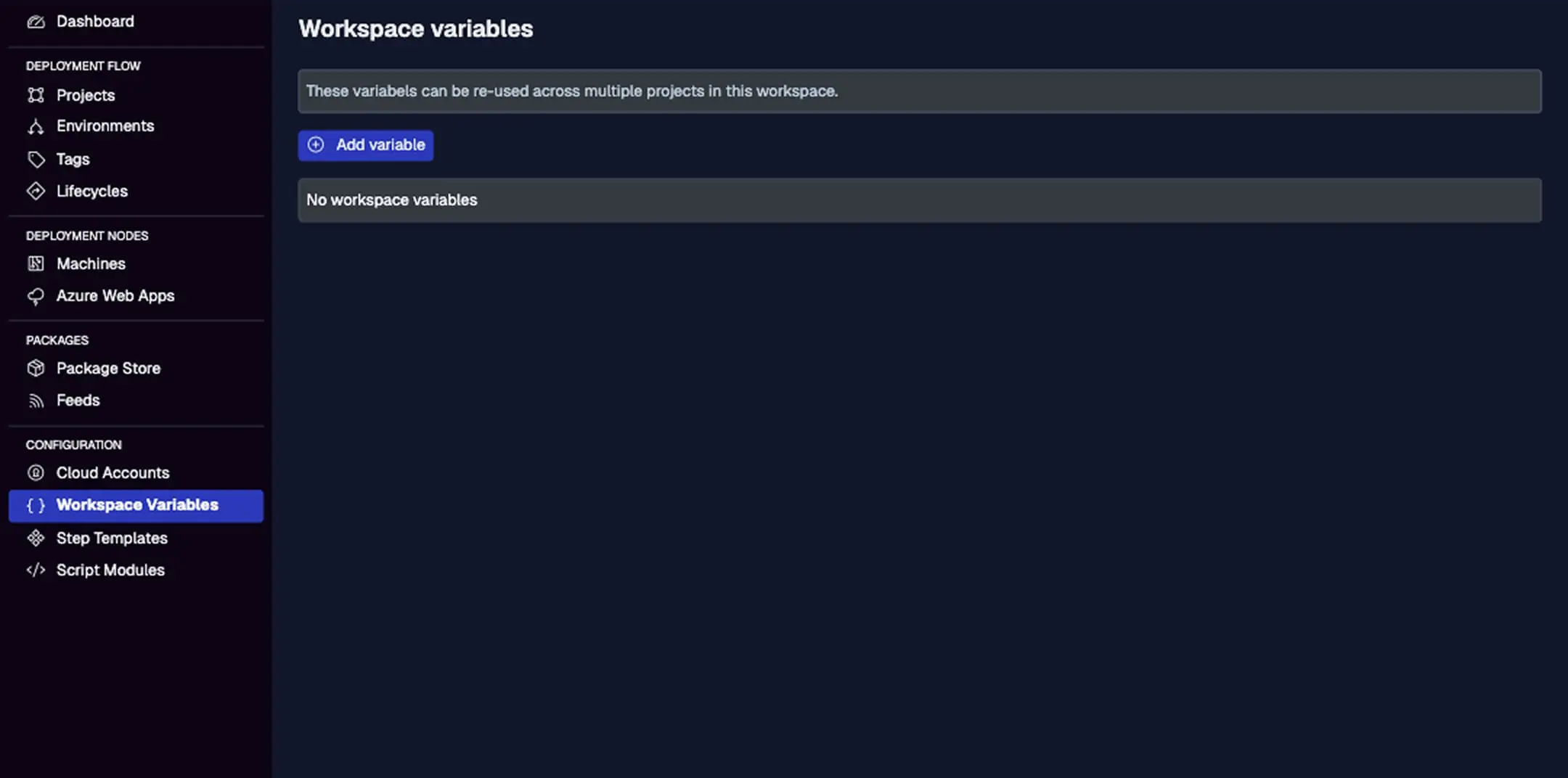
While not directly for accounts, store related secrets here (e.g., Azure keys) scoped to cloud targets for added security.
Step 2: Add Cloud Targets
- Navigate to Azure Web Apps (under DEPLOYMENT NODES) > Add new Azure Web App.
- Select your cloud account, resource group, app name, and slot (e.g., production or staging).
- Assign environments (e.g., "Staging" for testing slots) and tags (e.g., "region-westus") for targeting.
- Save and test deployment readiness.
Once added, the target appears in the list with status, last activity, and quick actions.
For migrations, add cloud targets mirroring your Bamboo environments—test deploys in parallel to validate.
Types of Cloud Targets
Azure Web Apps
- Supported Actions: Deploy .zip packages, apply config transforms (JSON/XML), run post-deploy scripts (e.g., PowerShell for migrations), and swap slots.
- Slots: Use for blue-green deploys—deploy to a staging slot, test, then swap to production via a step.
- Integration: Link to Azure Key Vault for secrets; scope variables to apps for env-specific settings (e.g., app settings overrides).
- Limitations: Focused on .NET/Node/Java apps; for containers, use custom steps to push to Azure Container Instances (planned native support in 2025).
Future expansions may include AWS/GCP targets—watch for updates if multi-cloud.
Integrating with Deployment Logic
Cloud targets integrate like machines:
- In Projects: Add steps like "Deploy Package" and select the target via environment or tag.
- Scoping: Steps/variables can be scoped to cloud targets (e.g., run an Azure-specific transform only on Web Apps).
- Parallelism: Deploy across multiple apps/slots simultaneously.
- Lifecycles: Promote releases through environments, triggering slot swaps or restarts.
Example: In a project step, upload a .zip built from your CI tool (e.g., Bamboo), deploy to an Azure staging slot, and use a "Run Script" step to validate before swapping.
For enterprise migrations, trigger Jaws from Bamboo post-build via API, passing artifacts—gradually move full CD to Jaws.
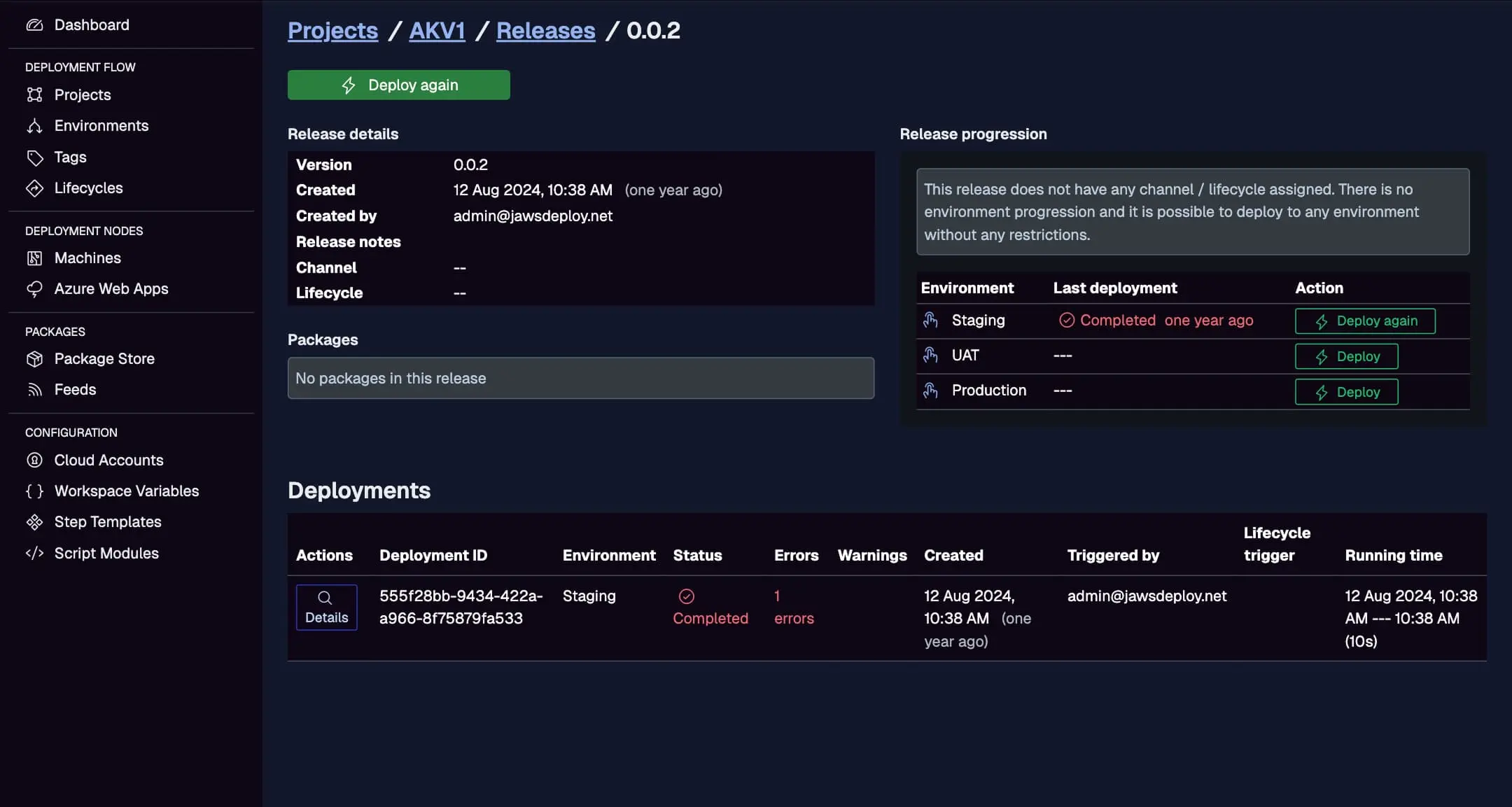
Monitor cloud deploys here, with statuses, durations, and errors per target.
Best Practices
- Security First: Use least-privilege Azure AD apps; scope secrets to targets/environments.
- Hybrid Strategies: Tag cloud targets consistently with machines for unified deploys.
- Migration Tips: For Bamboo users, start with agentless cloud targets to reduce on-prem footprint; test blue-green with slots.
- Performance: Monitor deployment durations; use redownload packages option for consistency in distributed teams.
- Debugging: Enable
__debugfor variable insights; check Azure portal for app logs if issues arise. - Enterprise Scale: In self-hosted Jaws, integrate with corporate proxies; use workspaces for team silos.
Conclusion
Cloud targets in Jaws Deploy simplify deploying to managed services like Azure Web Apps, offering agentless efficiency and tight integration with your logic—perfect for modernizing enterprise setups during migrations from tools like Bamboo.
Explore more with Azure Web App Deployment or Environments and Targets. For migration support, see Migrating from Octopus Deploy. Configure your first target today!